Create Boundary Condition in Polygonal Region
General
In order to create boundary conditions in a polygonal region the following workflow can be used:
-
Extract surface using ExtractSurface (a: Original subsurface mesh; b: Extracted surface)
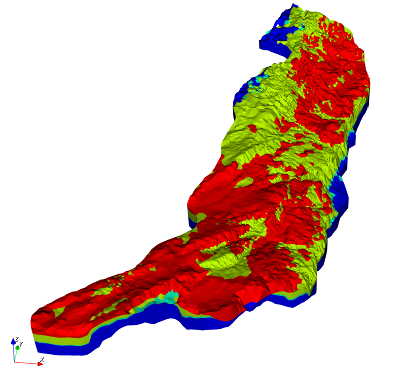
Sub-surface mesh 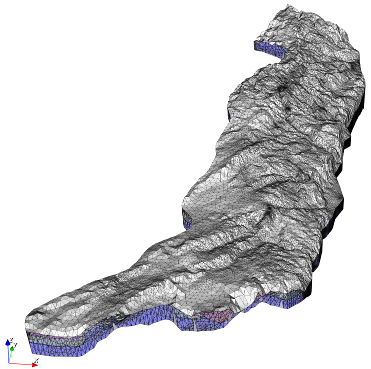
Extracted surface -
Mark the mesh elements within the polygonal region deploying the tool ResetPropertiesInPolygonalRegions
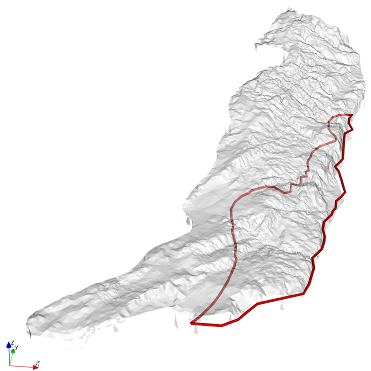
Surface and polygon 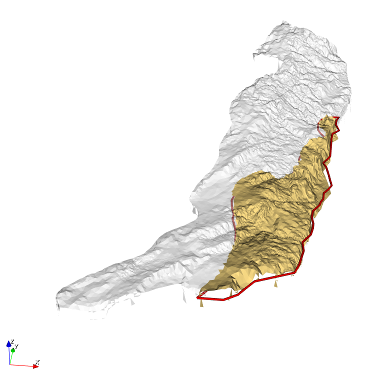
Marked elements in polygonal region are colored yellow 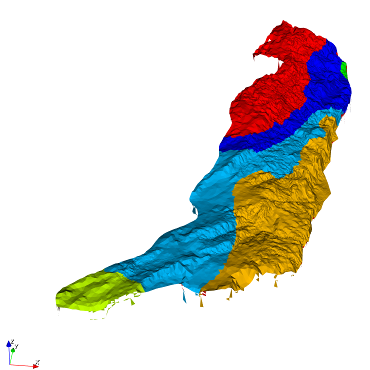
Marked regions visualized by different colors -
Remove marked/unmarked mesh elements deploying tool removeMeshElements
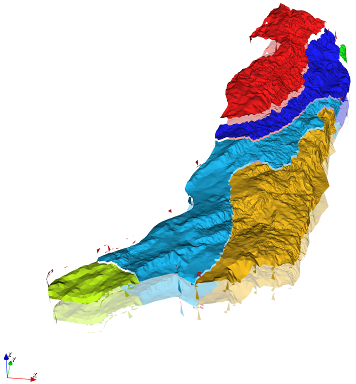
Resulting patches visualized by different colors and z-translations -
Compute the associated area for the nodes of the surface mesh deploying tool ComputeNodeAreasFromSurfaceMesh
The surface mesh patches (created until step 3) can be used as input for OGS-6 simulations. For OGS-5 simulations only the additional step 4 has to be performed.
This article was written by Thomas Fischer. If you are missing something or you find an error please reach out
to us on our forum.
Generated with Hugo 0.164.0
in CI job 825193
|
Last revision: April 20, 2026
Commit: refactor(MeshLib): remove PropertyVector::push_back 870422dde
| Edit this page on