Extract Surface
General
The tool extracts 2d surface elements of a mesh given either in the VTU or MSH format. Since the algorithm uses the element surface normals a correct node ordering of the element nodes is required. The user can specify the components of the normal the extracted surface should have.
Usage
ExtractSurface -i [<file name of input mesh>] [-o <file name of output mesh>]
 [-x <floating point value>] [-y <floating point value>] [-z <floating point value>]
 [-a <floating point value>]
[--ascii-output]- The normal of the surface that should be extracted is given by the arguments
-x,-yand-z. The default normal is (0,0,-1). - The command line option
-acan be used to specify the allowed deviation of the normal of the surface element from the given normal. - New data arrays containing the original IDs for nodes, elements, and faces from the source mesh are added to the extracted boundary mesh. These data arrays are required for specifying source terms or setting boundary conditions during a simulation run of OpenGeoSys.
- The switch ‘ascii-output’ produces VTU files containing the data in human readable ASCII format instead of binary format.
Example
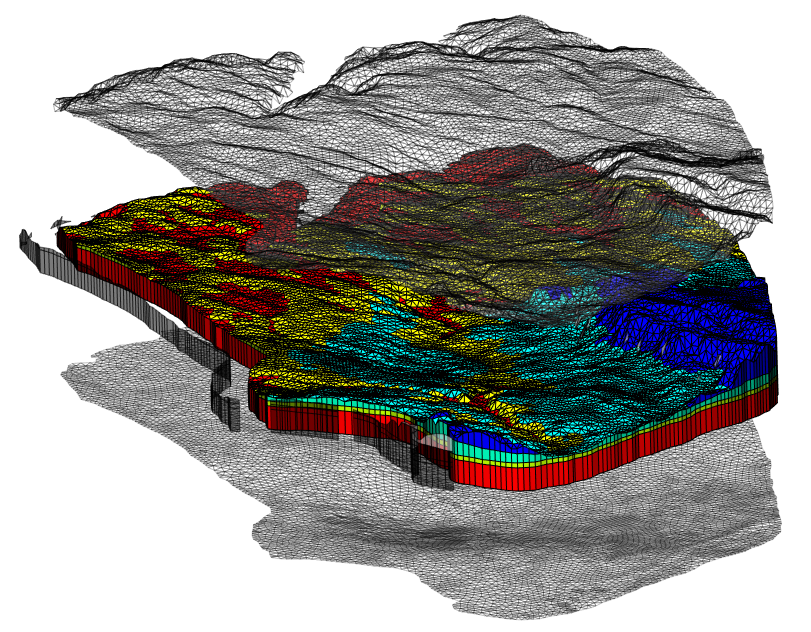
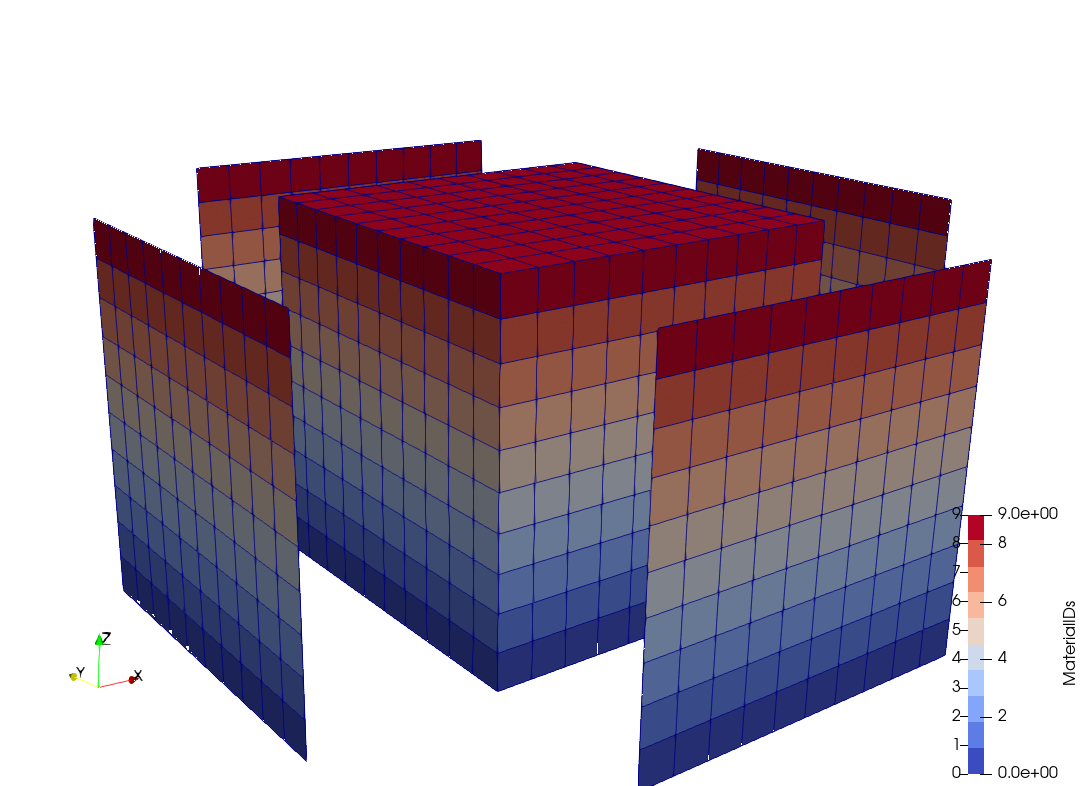
Extracted top, bottom and side surfaces:
- top
ExtractSurface -i Input.vtu -o TopSurface.vtu - bottom
ExtractSurface -i Input.vtu -o BottomSurface.vtu -x 0 -y 0 -z 1 - side
ExtractSurface -i Input.vtu -o SideSurface.vtu -x 1 -y 1 -z 0 -a 45
This article was written by Thomas Fischer. If you are missing something or you find an error please reach out
to us on our forum.
Generated with Hugo 0.164.0
in CI job 825193
|
Last revision: April 20, 2026
Commit: refactor(MeshLib): remove PropertyVector::push_back 870422dde
| Edit this page on