Identify subdomains in bulk mesh.
General
identifySubdomains is a creation and check tool for the bulk_node_ids and
bulk_element_ids mesh properties. These properties are needed for the boundary
conditions and source terms application, defined on the subdomains of a “bulk”
mesh.
Example
Given a “bulk” mesh (Tests/Data/Mechanics/Linear/disc_with_hole.vtu) and a
quarter circle mesh
extracted manually we want to use the
quarter circle mesh for heterogeneous boundary condition. OGS requires two
mappings into the “bulk” mesh, one for the nodes and one for the elements.
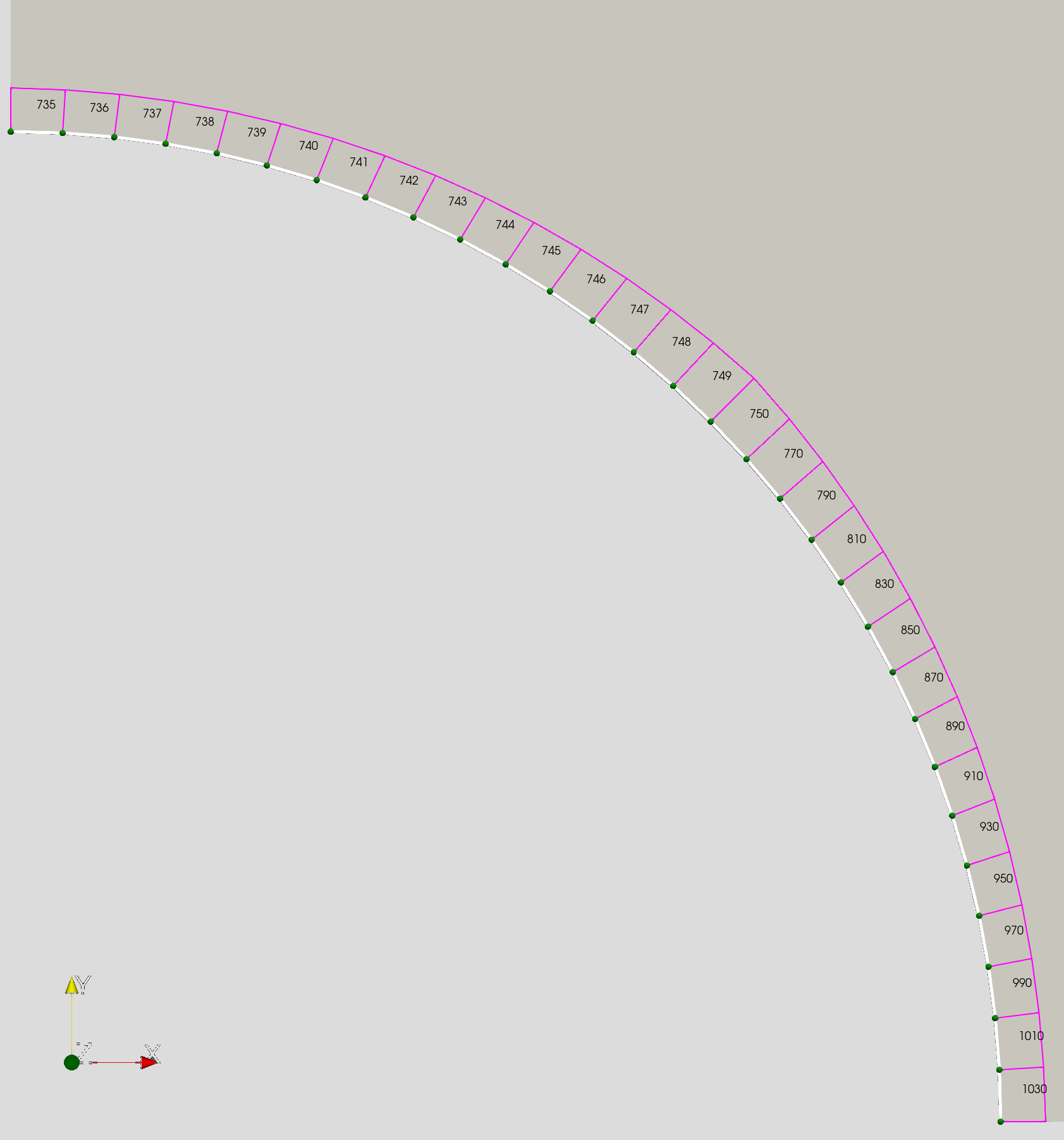
To create these mappings we run
identifySubdomains -m Tests/Data/Mechanics/Linear/disc_with_hole.vtu -s 1e-6 -o
new_ -- quater_circle.vtuThe tool will first try to find all unique nodes in the “bulk” mesh using search
radius 1e-6, and create the bulk_node_ids mapping upon success. Then the
bulk_element_ids mapping is created by finding a unique element containing all
the nodes of the subdomain element. The output file
new_quater_circle.vtu
will now contain both
mappings and is prepared for usage as a boundary condition mesh.
Notes
-
The double dash is separating the subdomain meshes, so the input can have multiple subdomain inputs:
identifySubdomains -m bulk.vtu -- bc1.vtu bc2.vtu source_term_meshes*.vtu -
The output prefix
-ocan contain a path too and is relative to the current working directory.
This article was written by Dmitri Naumov. If you are missing something or you find an error please reach out
to us on our forum.
Generated with Hugo 0.164.0
in CI job 825193
|
Last revision: April 20, 2026
Commit: refactor(MeshLib): remove PropertyVector::push_back 870422dde
| Edit this page on